Building a counter page using Javascript
Building amazing things on the web!
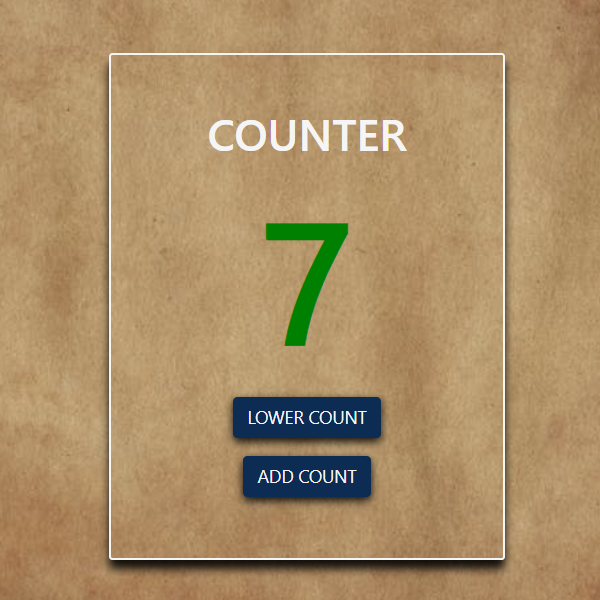
My week 3 task on the Side Hustle Program was to build a Counter page using Javascript. The design was provided (find below).
My Process
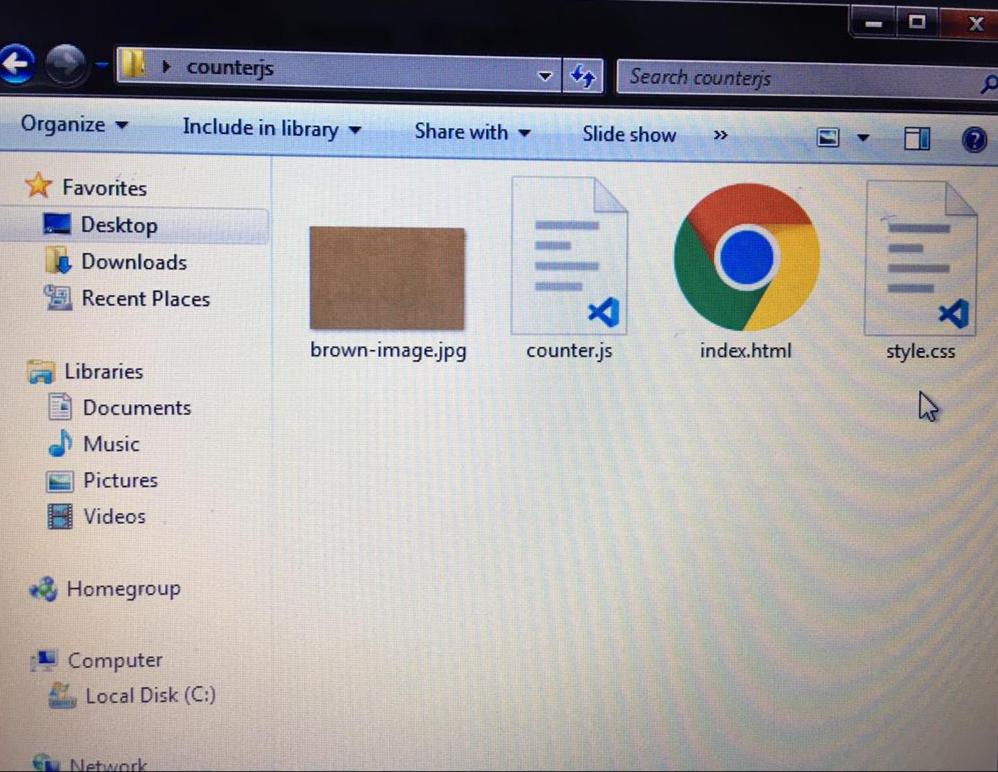
I created the file names "counterjs"on my desktop and opened the following;
The index.html doc.
The style.css doc.
The counter.js doc.
The background image. For this, i searched internet for a background image closest to the design provided, found one and saved it in the file.
Working on Index.html
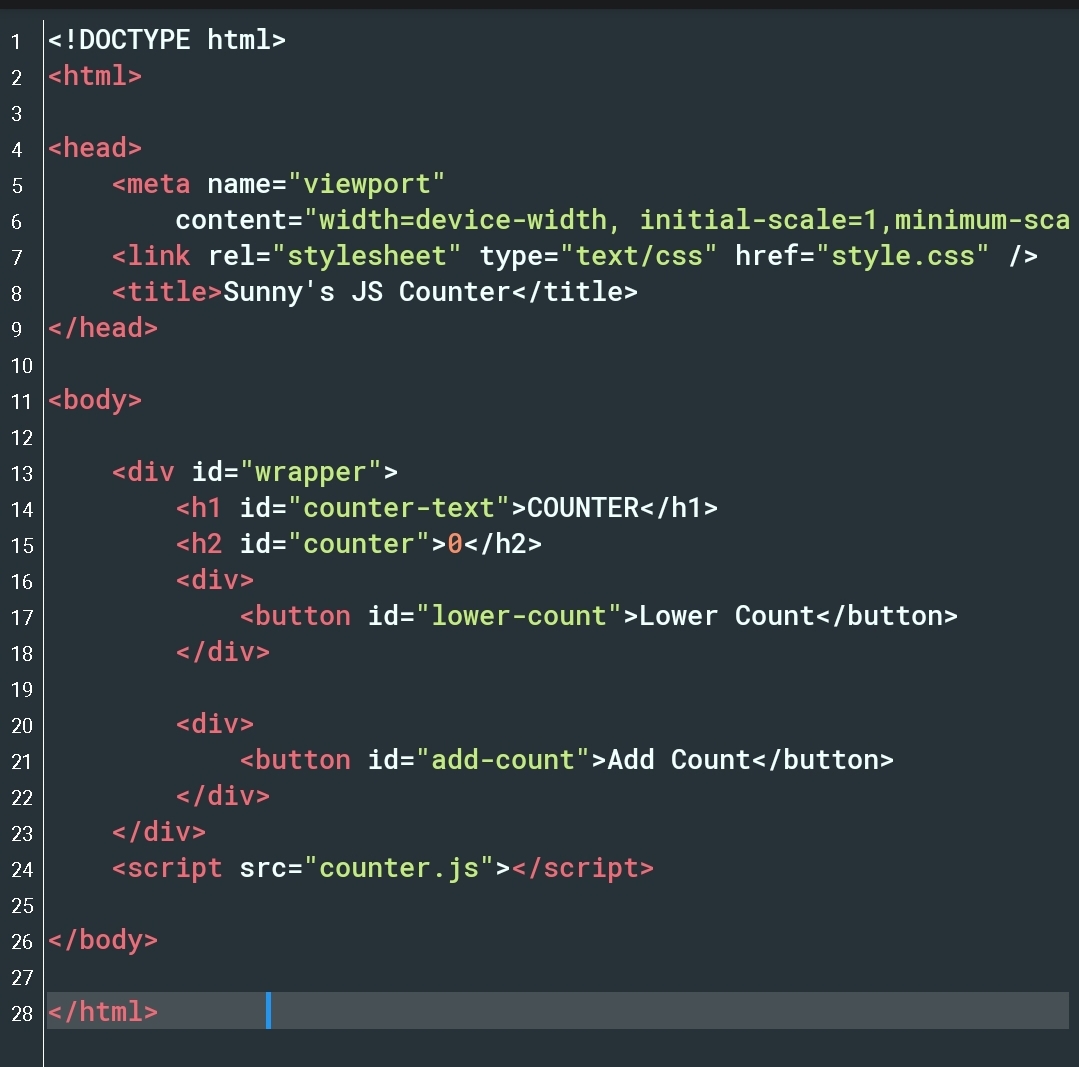
This was pretty straightforward for me. I linked both my CSS and Javascript in the the HTML file. Then i created divs for the buttons to make styling with CSS easy.
Working on CSS
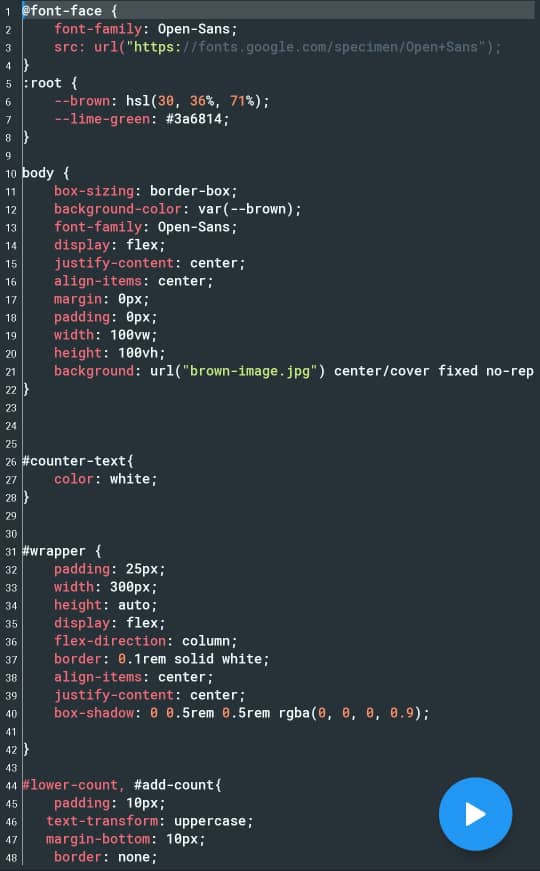 I had to play around with the colors and background before my final submission. I learnt that its possible to style multiple sections once if the styling is the same. This avoids repetition. View line 44 in the image above to see this. I styled both the "Lower Count" and "Add Count" button together as they had the same styling.
Working on Javascript
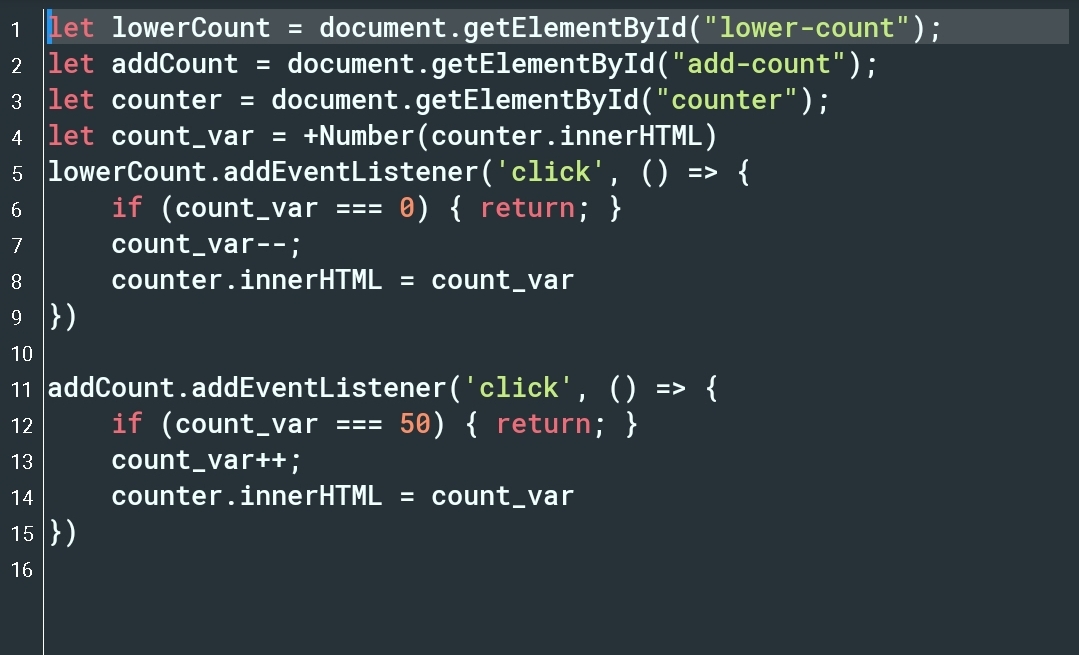 This part required a lot of attention from me as it had to do with the functionality and this was my first time working with Javascript. It required a lot of studying and i had to ask for help (no shame in asking for help). The task indicated the counter minimum value should be 0 and the maximum value should be 50.
Final Result
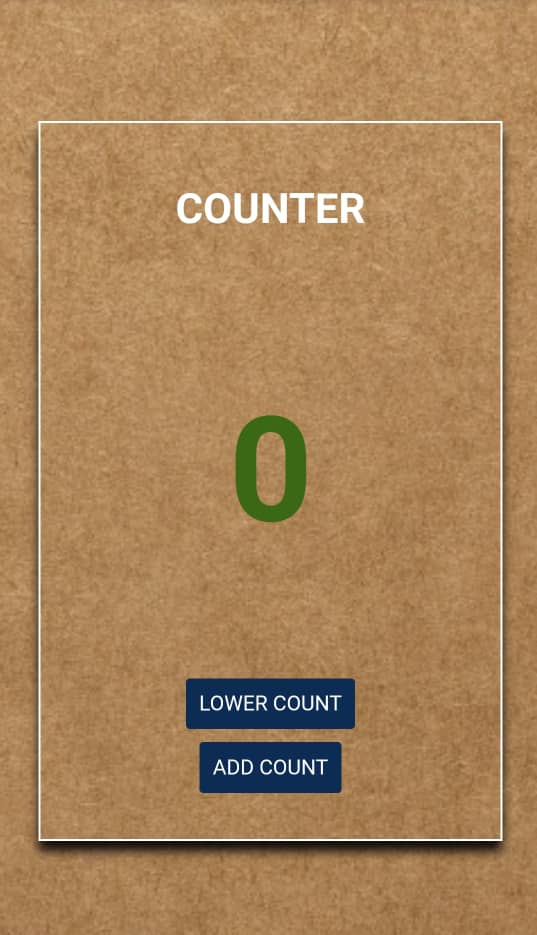 This is what my counter page looked like by the time i as done.
Click here to view my counter page
Click here to view my code on Github
Kindly leave comments and suggestions. I'd love to hear from you.